AI Copilot· Included with every product
Run your trade show platform by asking.
Type what you want, like “list the no-shows”, “design this registration page like my screenshot” or “add these 50 users”, and the AI Copilot does it. It works across every Lodago product and is built on Claude by Anthropic.

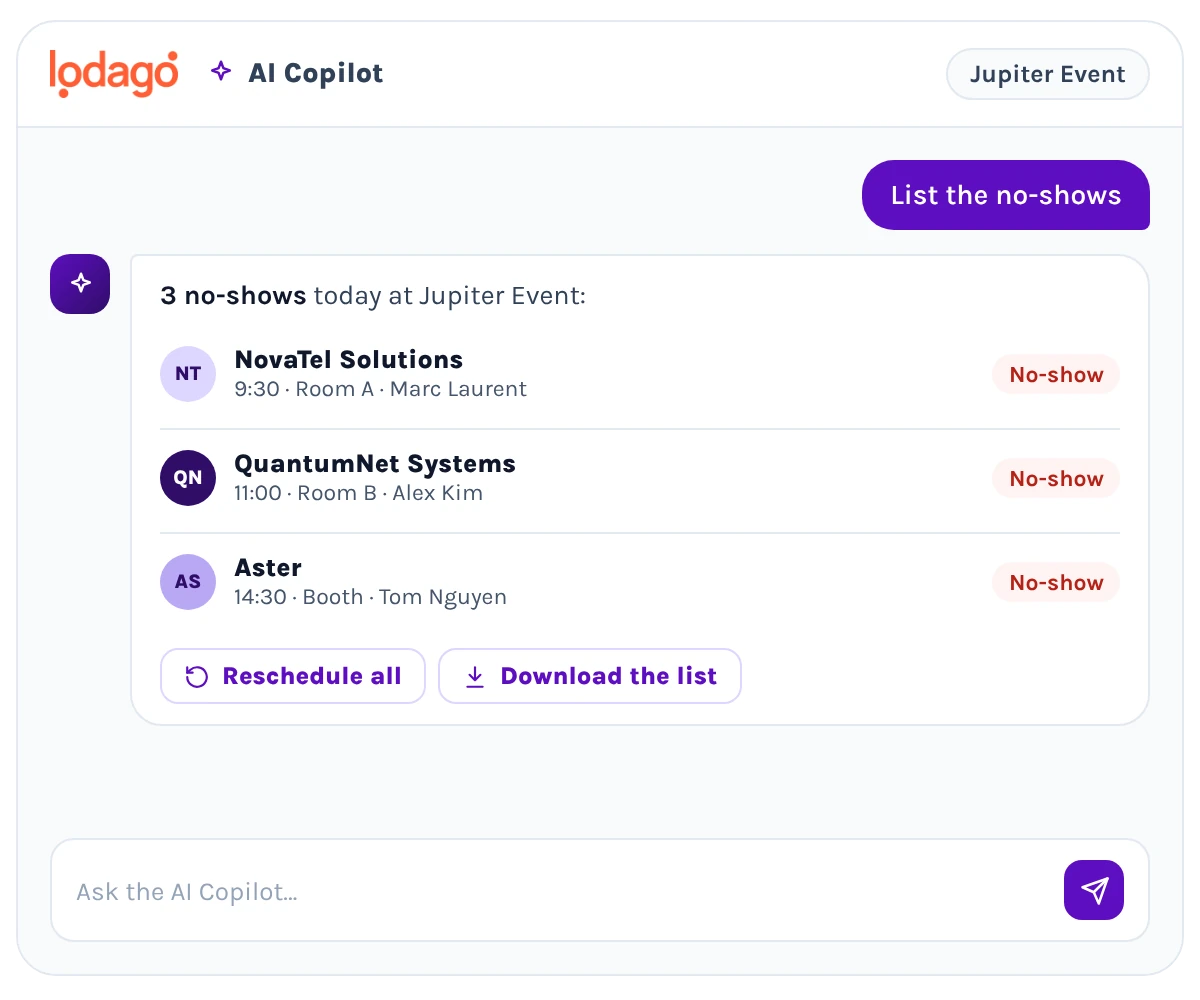
Natural language in, action out.
Ask in everyday words. The AI Copilot finds the right event, meeting, lead, registration, user or page and acts. For anything that changes your data, it prepares a proposal you review and confirm in a side panel, so nothing is changed silently. It also sees what you see: it understands the screenshots you upload, reads your CRM and checks live calendar availability.
An AI assistant for every part of your event.
-
Meetings and scheduling.
Find a meeting by name, company or event, add or remove hosts and guests, approve or cancel a meeting, and resend an invite. Before you book, ask whether a person or a room is free, like “is Marc free Tuesday afternoon?”, or find open slots to move a meeting.
-
Leads.
Count your scanned leads and see how many synced to your CRM, get a briefing on a lead before you follow up, or enrich a contact with missing details.
Registration and booking pages.
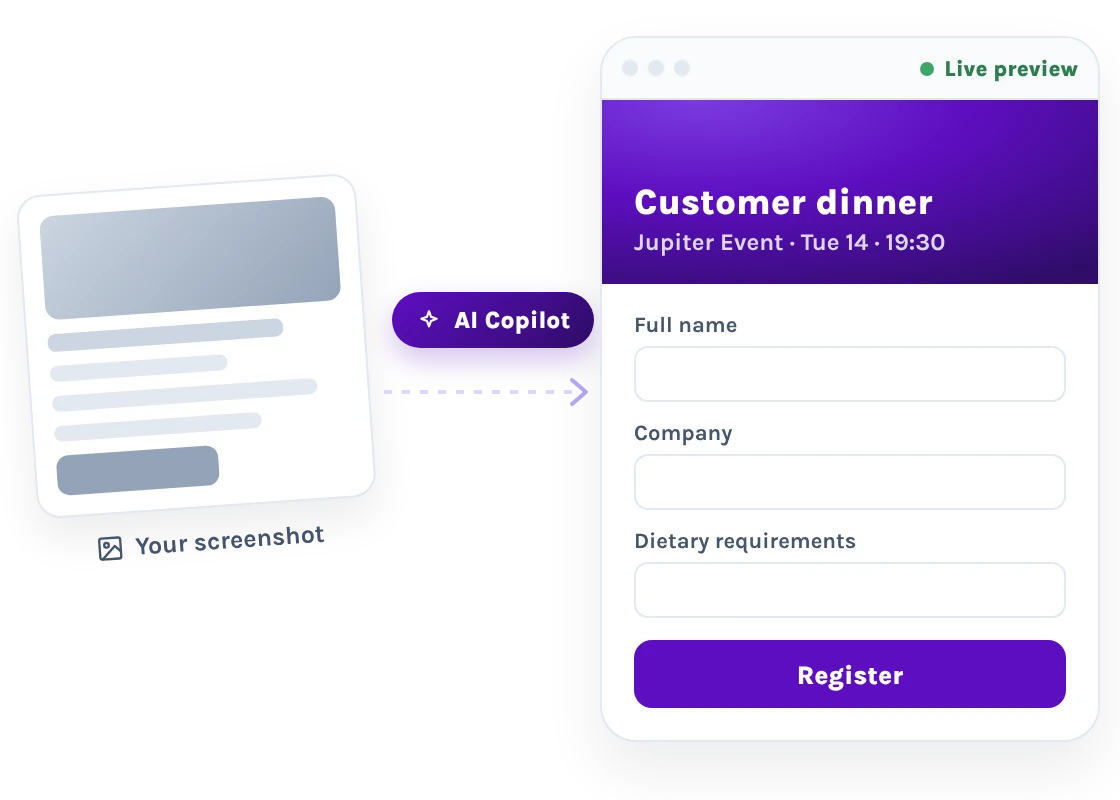
Describe the page you want, or upload a screenshot of a design you like, and the AI Copilot builds it with a live preview you refine in plain words, like “bigger hero” or “add a banner”, before you save. Brand your booking pages company-wide, per event or per link.
-
Forms and email templates.
Draft intake and lead qualification forms and branded email templates, preview them live and send yourself a test before you save.
-
Reports and exports.
Ask how many no-shows you had, which team members booked the most meetings or how many of your users are actually active. Pick the columns you need, export to Excel, and save the report to re-run anytime with fresh data.
-
Team management.
Add users in bulk, grant roles, invite people to the platform and add them to events. You can also add reps to your routing pages, so meetings go to the right person.
-
Help.
Ask how to set something up, like “how do I set up calendar sync?”, and get the answer from the Lodago documentation without leaving the app.
An AI copilot you stay in control of.
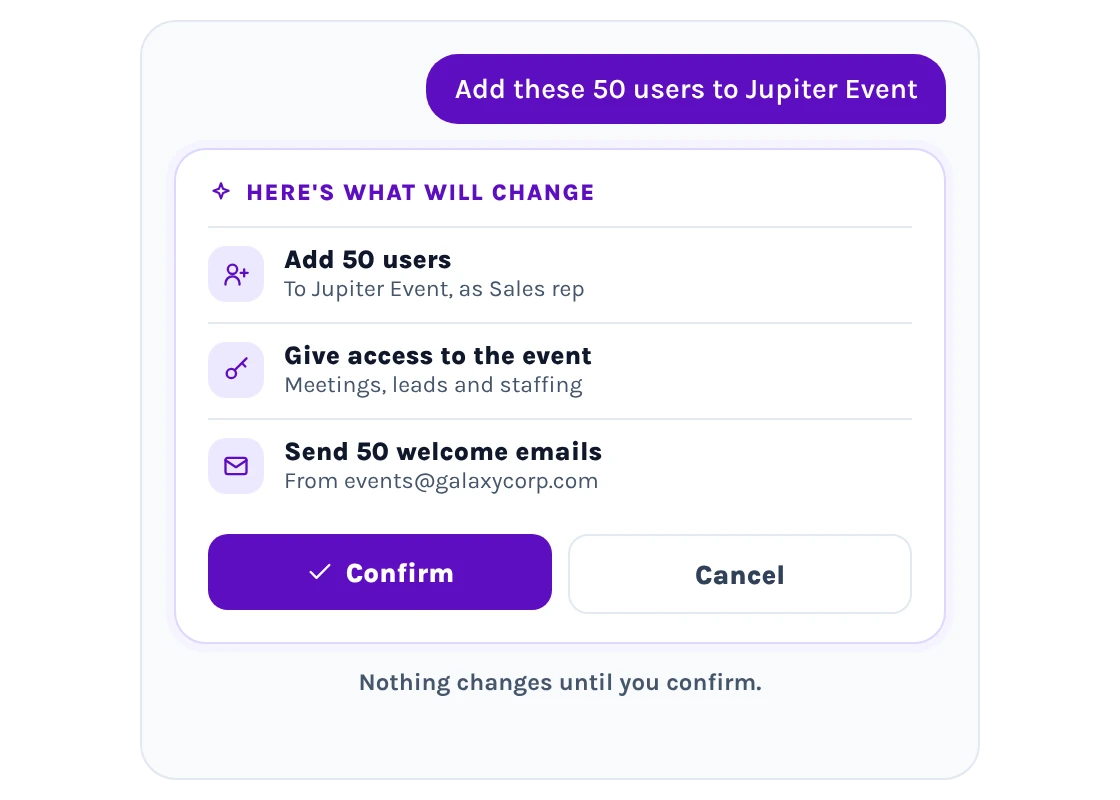
The AI Copilot never changes anything on its own: it shows you what it’s about to do, and nothing is applied until you confirm. Every action stays within your company’s data and respects your team’s roles and permissions. The AI Copilot is built on Claude by Anthropic and hosted securely within Lodago’s AWS infrastructure. You can also connect Claude, ChatGPT or any MCP-compatible assistant to Lodago.
Everything you need to know about the AI Copilot
Is the AI Copilot a separate product?
No. It is included with every Lodago product.
Can the AI Copilot change our data without our approval?
No. For anything that changes data, it shows you a proposal to review and confirm first.
Which AI model does it use?
It is built on Claude by Anthropic, and hosted securely within Lodago’s AWS infrastructure.
Can it read our CRM?
Yes. It reads your CRM for lead context, for example to brief you on a lead before you follow up.
Can we use our own AI assistant instead?
Yes. You can connect Claude, ChatGPT or any MCP-compatible assistant to Lodago.
Meet the AI Copilot on your own event data.
Book a demo and we’ll run through the kinds of asks your team makes every show — and show you how the AI Copilot answers, builds and acts, without changing anything until you confirm.
Book a call
We review your event needs together.

Personalized onboarding
Tailored to your team and your stack.

Lifetime support
We’re here every step of the way.